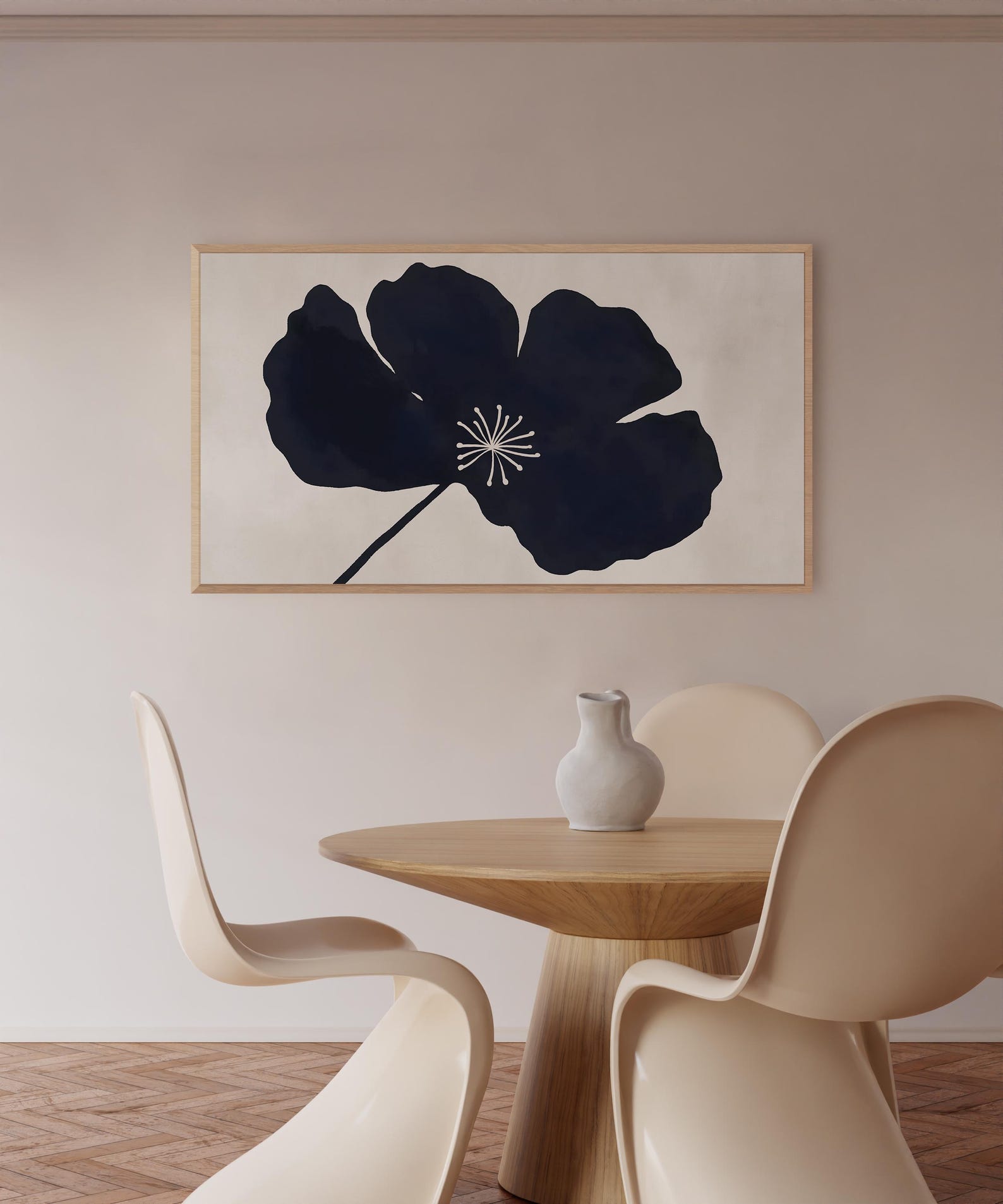
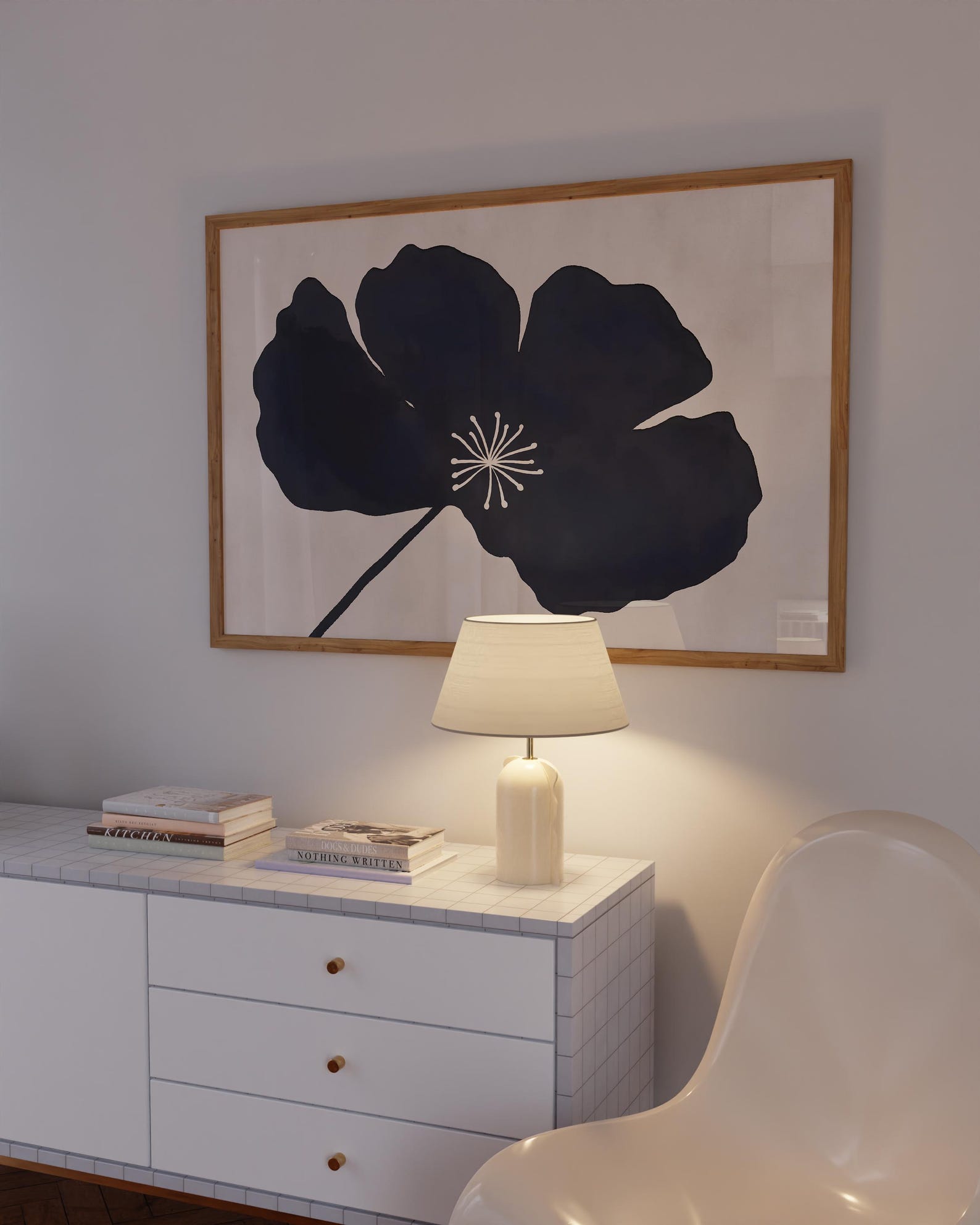
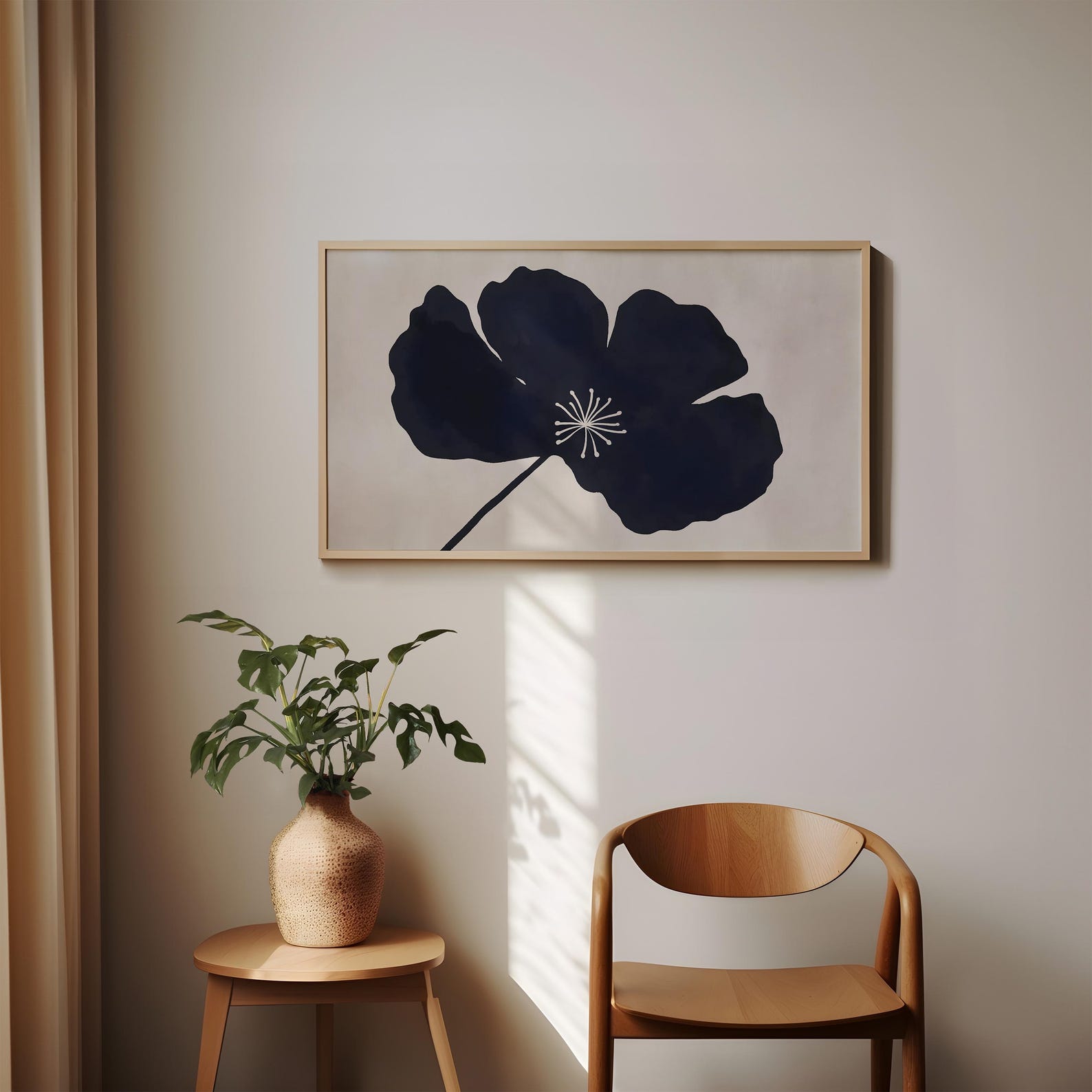
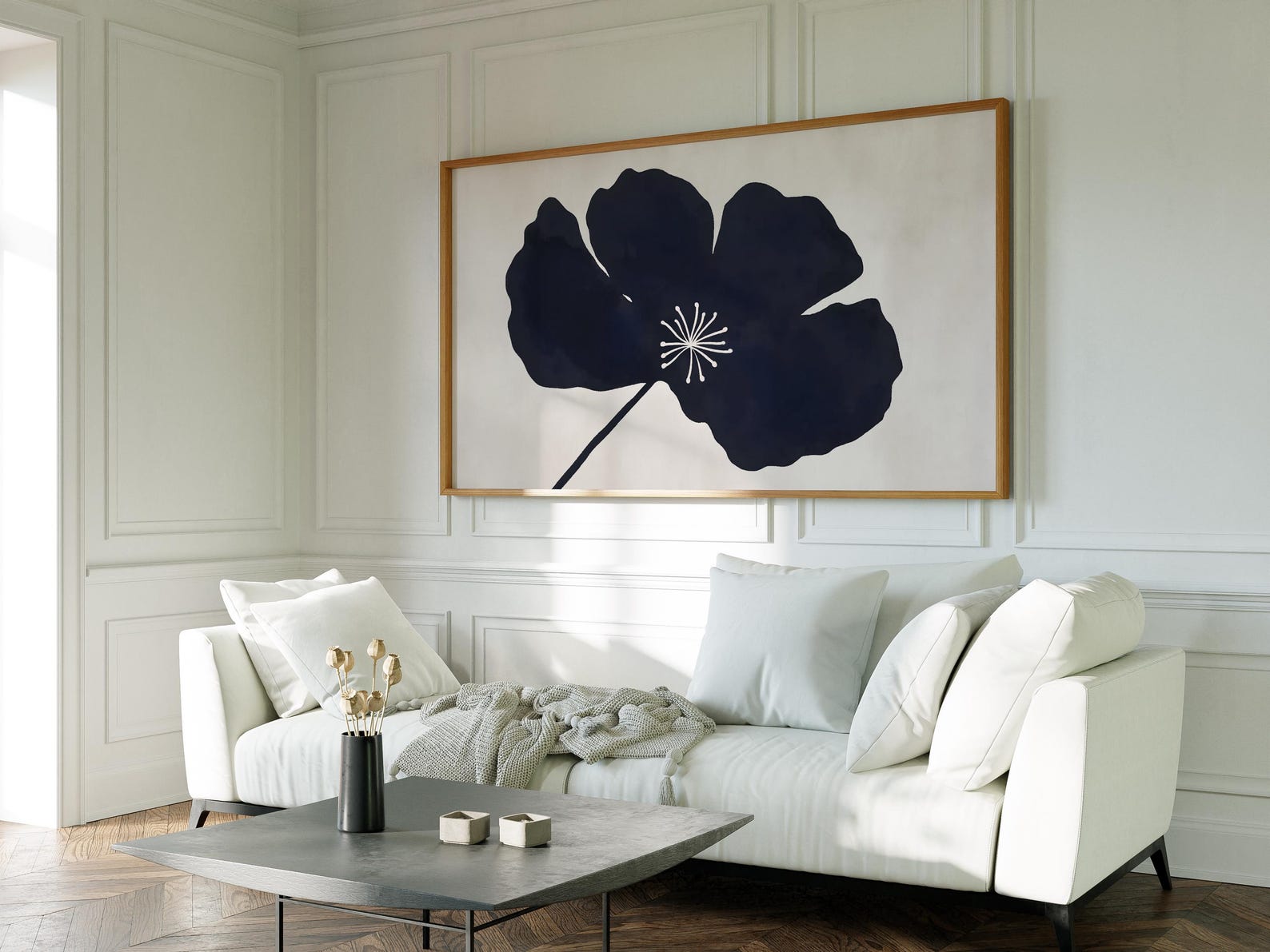
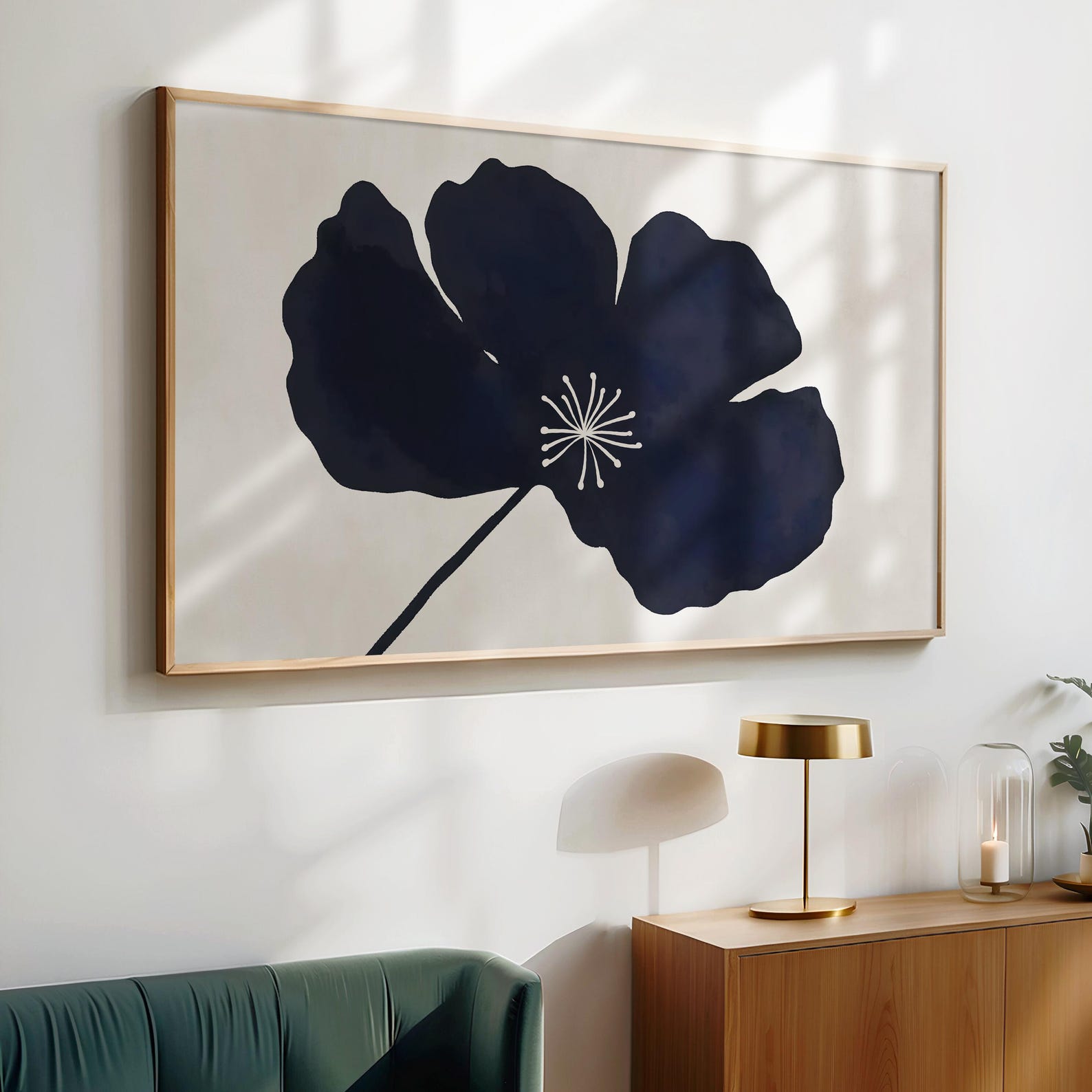
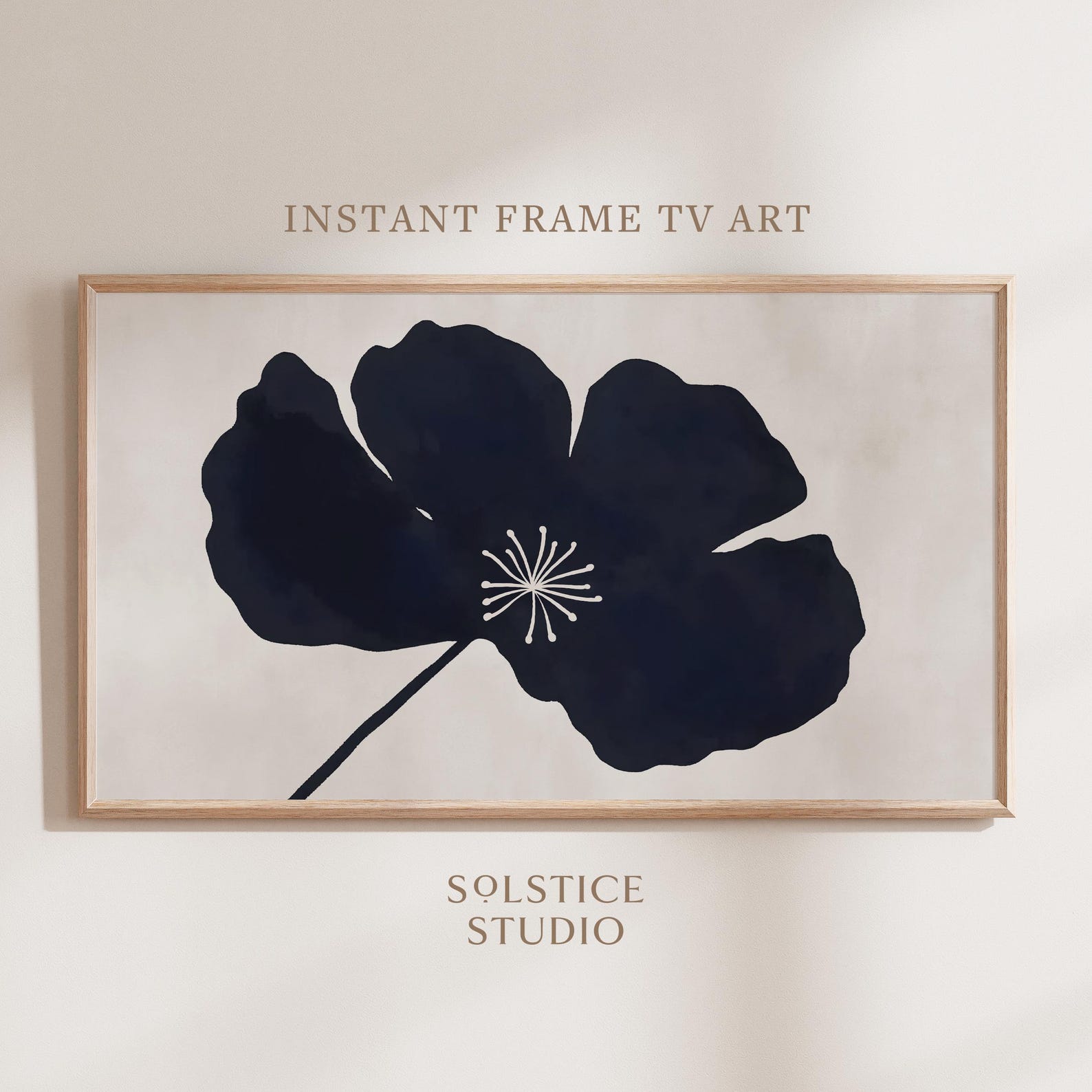
Frame TV Art Four Step Setup Instructions Guide Card Digital Print
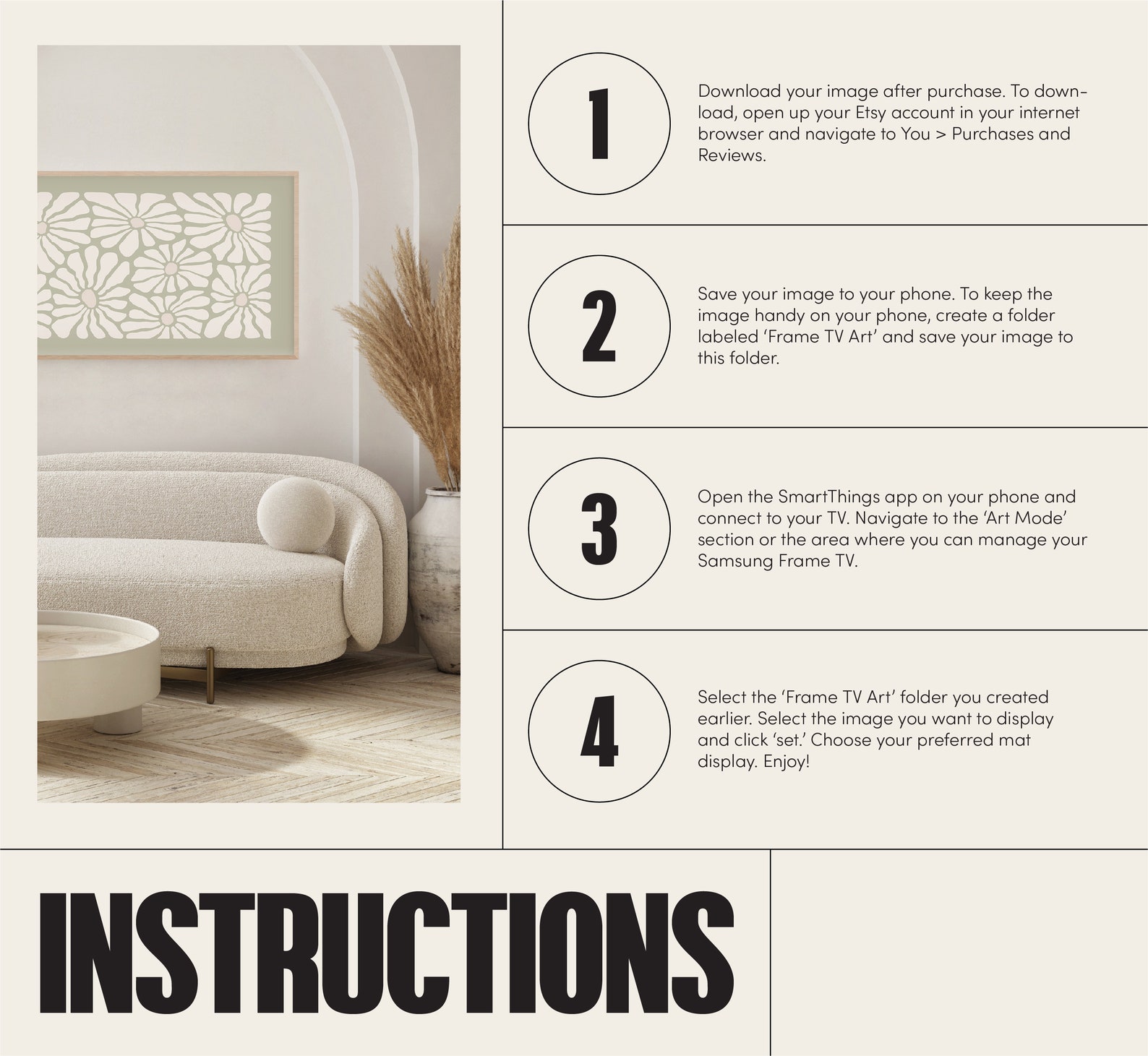
A step-by-step guide card showing buyers how to download their art and display it on a Frame TV. Four numbered steps cover the download, saving the file, the SmartThings app, and Art Mode.
Description
This image is a seller information card rather than wall art: it walks buyers through four steps to set up Frame TV art, from downloading the file after purchase to saving it on their phone and selecting it in Art Mode through the SmartThings app. It explains where to find the download, how to organize the file folder, and how to choose the preferred mat display. A clear companion card for digital art shops that answers setup questions before they are asked.